Ever noticed that the colours in your printed design don’t look exactly like they did on your screen? This is a common issue when preparing artwork for colour printing, and it’s mainly because screens and printers use different colour systems.
Understanding RGB vs CMYK, as well as the impact of your screen settings and paper stock, can help you prepare your artwork correctly and set realistic expectations for the final printed result.
RGB vs CMYK: What’s the Difference?
One of the main reasons colours can look different in print is the difference between RGB and CMYK colour modes.
Screens use RGB (red, green and blue) to create colour using light. Because screens produce light, they can display a wide range of bright, vibrant colours.
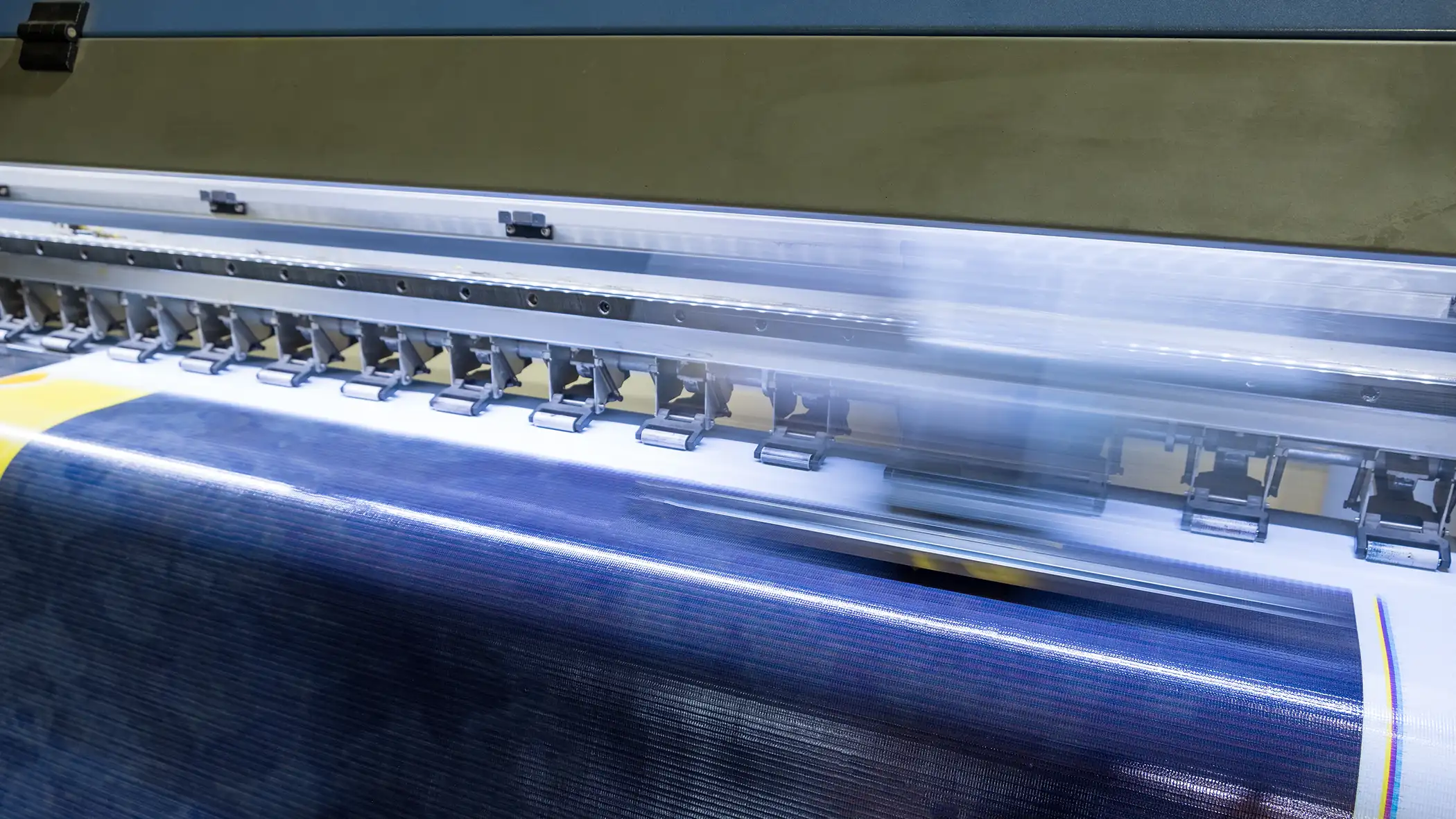
Printers, on the other hand, use CMYK (cyan, magenta, yellow and black) inks to reproduce colour on paper. Ink and light behave differently, which means some colours that appear particularly bright or vibrant on your screen may not be reproduced in exactly the same way when printed.
This is why artwork designed in RGB can look different when it is converted to CMYK for printing.
Your Screen Can Affect How Colour Looks
The way your design appears on screen can also be affected by your device and display settings.
Screen brightness, contrast, display calibration and even the type of monitor you’re using can influence how colours appear. A design viewed on a bright, modern display may look more vibrant than the same design printed on paper.
Your screen is therefore a useful reference, but it isn’t always an exact representation of how your final printed piece will look.
Paper Stock Can Change Colour
The paper you choose can also have a significant effect on the appearance of your printed colours.
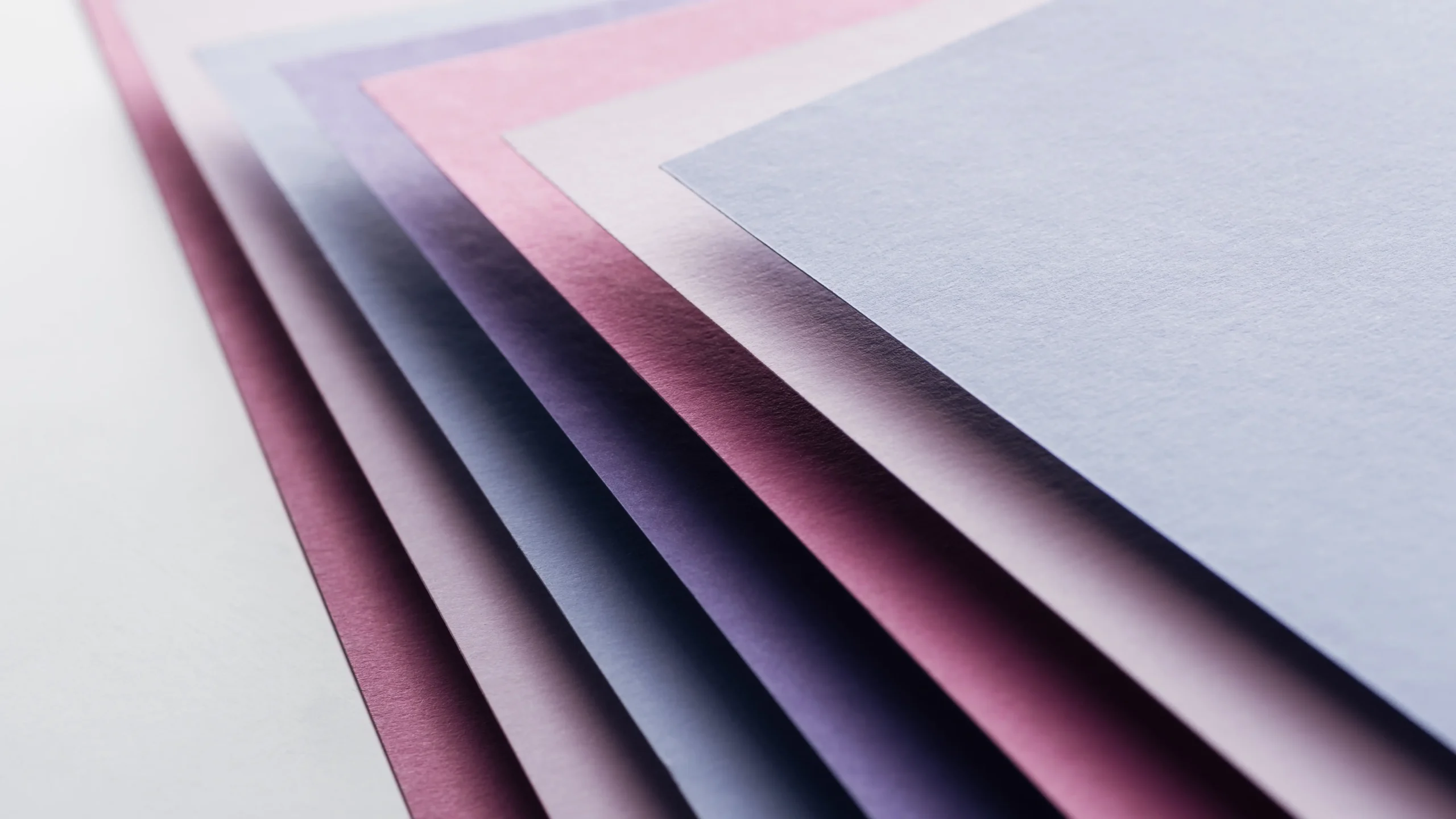
Coated paper has a smooth surface that can help produce sharper images and more vibrant colours. Uncoated paper has a more natural, softer finish, which can affect how ink is absorbed and how colours appear.
This means the same artwork can look noticeably different depending on the paper stock and finish you choose.
When colour and overall appearance are important, choosing the right stock should be considered alongside your artwork and printing method.
How to Get Better Colour Results When Printing
While some variation between your screen and your printed piece is normal, there are steps you can take to achieve more consistent results.
Before sending your artwork to print:
- Set up your artwork correctly for print according to your printer’s specifications.
- Use the appropriate colour mode, such as CMYK, where required.
- Choose a paper stock that complements your design and desired colour result.
- Check your images and artwork before submitting your final print-ready file.
- Request a proof if colour accuracy is particularly important for your project.
Preparing your artwork correctly before printing can help reduce unexpected colour differences and ensure your finished product is as close as possible to your intended design.
Why Does Printed Colour Look Different From Digital Colour?
The simple answer is that digital screens and printed materials create colour in different ways.
Your screen produces colour using light, while a printer uses ink on a physical surface. The display you use, the colour mode of your artwork, the type of paper and the printing process can all influence the final appearance.
So, if your printed design looks slightly different from what you saw on screen, it doesn’t necessarily mean something has gone wrong. Some variation is an inherent part of the difference between digital and physical colour reproduction.
Not Sure Why Your Colours Look Different?
Getting the best result from your design starts before it reaches the printer. From RGB vs CMYK and artwork setup to paper selection and printing options, there are several factors that can influence the final result.
Our team can advise you on preparing your artwork and choosing the right printing options for your project.
Need help with your next print project? Get in touch with our team to discuss your requirements.
Here’s what you need to know before sending your next project to print.